The Best AI Video Clipping Tool (2026): OpusClip, and the Part It Cannot Do For You.
OpusClip is the best AI clipping tool at $15/mo, because picking the moment is the part you cannot do faster yourself. Compared with Vizard, Klap and Submagic.
- The pick: OpusClip, $15/mo on Starter, the cheapest paid clipper in the category and the best at choosing the moment.
- The exception: Riverside, free tier with paid plans from around $15/mo. Take it if you are recording the source as well as clipping it.
- Descript ($24/mo) is not really a competitor. It is the pick for editing, and clipping is a side feature.
- CapCut is $10/mo Standard or $20/mo Pro after its early-2026 restructure, and is where a lot of people finish the clip regardless of who cut it.
- Submagic starts at $19/mo and is really a captions tool that clips. Vizard is about $29/mo monthly or $14.50 annually. Klap is $29/mo. Munch is around $49/mo.
- The virality score is a shortlist, not an editor. Every tool here gets this wrong in its marketing and it is the main reason clipped content underperforms.
What these tools actually do, and the one thing they all get wrong
An AI clipping tool does 4 things. It transcribes your long video, scores segments on how likely they are to perform, crops them to vertical while keeping the speaker in frame, and burns in captions. 4 steps, and only one of them is hard.
Transcription is a solved problem and every tool here uses roughly the same quality of it. Cropping is a tracking algorithm and they are all competent now. Captions are a styling choice. Scoring is the only part where the tools genuinely differ, and it is the only part you cannot do faster by hand, because scrubbing an hour of footage to find the 6 good minutes is exactly the tedium worth paying to skip.
Now the thing every one of them gets wrong in its marketing. The score is presented as a judgement and it is a ranked guess. The model can see that a segment has a question, a pause, a change in energy and a self-contained sentence. It cannot see that the moment only lands because of the story you told 20 minutes earlier, or that you misspoke, or that the clip ends on a word that changes the meaning.
So the correct way to use any of these: let it hand you 15 candidates, then throw away 11. The tool did the searching. You still do the choosing. Teams that skip that second step are the reason so much clipped content has the same slightly-off quality, and no subscription fixes it.
OpusClip: the pick
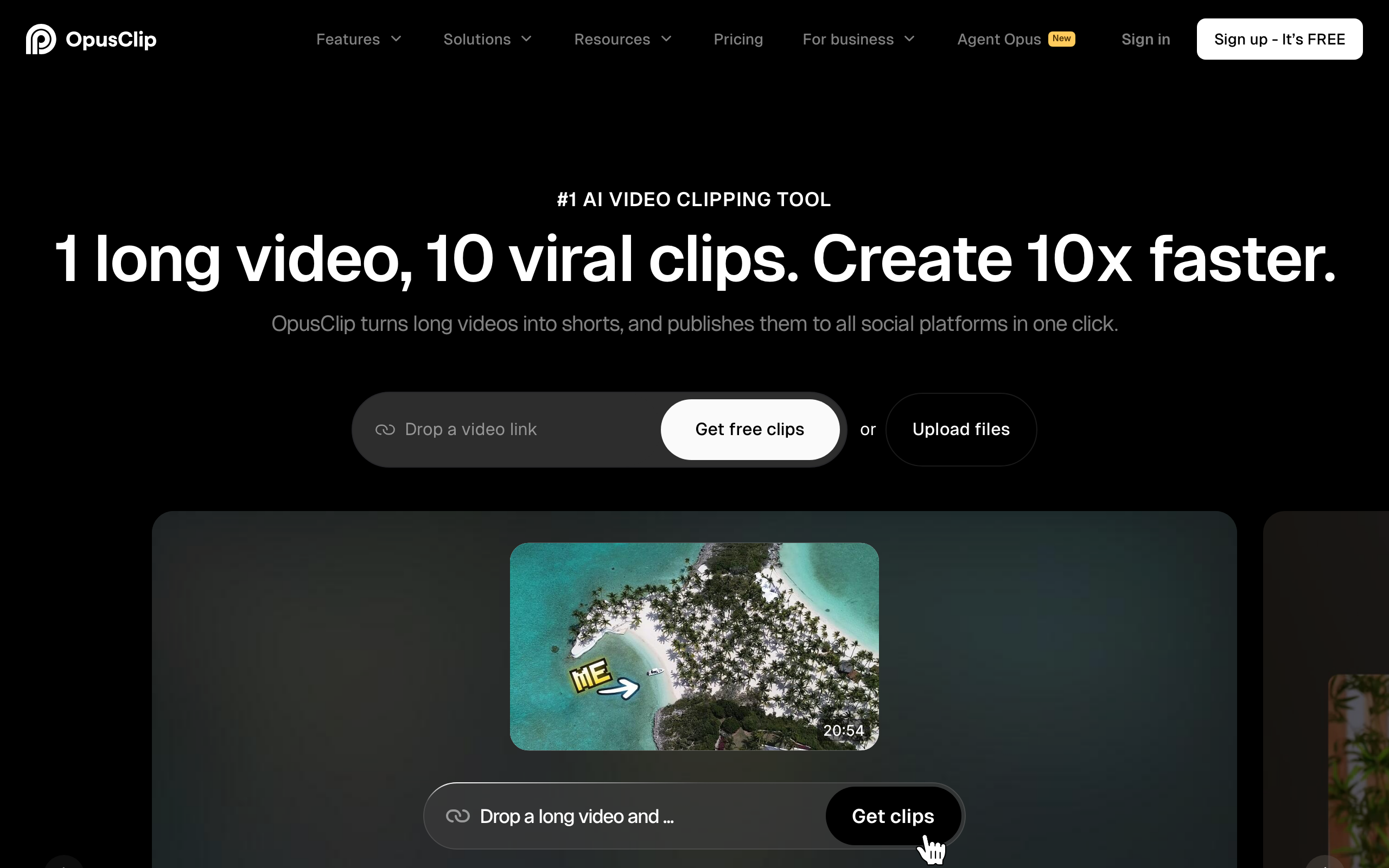
OpusClip starts at $15 a month on Starter, which makes it the cheapest paid clipper of the serious ones, and it is also the best at the part that matters. Its clip selection surfaces genuinely self-contained moments more often than anything else I have run the same footage through, and self-contained is the whole game: a clip that needs context is a clip nobody finishes.
You get the virality score on each candidate, automatic reframing that tracks the speaker, animated captions, and a straightforward editor for trimming the in and out points before you export. The workflow is drop in a link or a file, wait, review the shortlist, fix the 2 clips worth fixing, and post. For a solo operator turning one long recording into a week of short video, that is the entire job.
Where it disappoints. The score is not reliable enough to post unreviewed, which is the general point above but worth repeating here since OpusClip leans on the score hardest in its marketing. The captions are decent rather than distinctive, and if the caption look is your brand you will end up finishing elsewhere. And on longer uploads the processing wait is real, so it is not a tool you use 10 minutes before you need the post.
| Tool | Price | What it is actually for | Who it's for |
|---|---|---|---|
| OpusClip | From $15/mo | Finding the moments worth posting. | Anyone turning long video into shorts regularly |
| Riverside | Free tier; paid from around $15/mo | Recording the interview and clipping it in one place. | Podcasters and remote interviewers |
| Descript | From $24/mo | Editing video by editing the transcript. | People who need to edit, not just clip |
| CapCut | Free; $10/mo Standard; $20/mo Pro | Finishing and styling the clip. | Everyone, eventually, whoever cut it |
| Submagic | From $19/mo | Captions first, clipping second. | Creators who want the caption look above all |
| Vizard | About $29/mo, or $14.50 annually | Volume clipping at a good per-minute rate. | High upload volume on a budget |
| Klap | $29/mo | Clean clips with strong reframing. | A straightforward alternative if OpusClip misses |
| Munch | Around $49/mo | Clipping with marketing analytics attached. | Teams who need reporting, not just clips |
Riverside: the exception, and it is about the source file
Riverside is the right answer if you are also recording the thing you want to clip. It records each participant locally at full quality and uploads in the background, so a guest with bad wifi does not become a bad recording, and then it clips from that source in the same tool.
That matters more than clip-selection quality for one specific person: anyone doing remote interviews or a podcast. The alternative is recording on one platform, exporting, uploading to a clipper, and managing files across 2 tools every week. Riverside collapses that into one place, and the clipping is good enough that the convenience wins.
There is a free tier and paid plans starting in the mid-teens per month, though its monthly rates moved up in mid-2026 and the plan names have shifted more than once, so check the current pricing page rather than trusting any figure in a comparison article, including this one. If you are only clipping video that already exists, this is the wrong tool and OpusClip is cheaper and better at the job.
Descript sits in a different category, and it is worth knowing why
Descript, from $24 a month, shows up on every list like this and it is not really competing. It edits video by editing the transcript: delete a sentence in the text and the footage goes with it, remove filler words across an hour with one click. It clips too, and the clipping is fine, but that is a feature rather than the product.
The distinction is the one worth holding: clippers find moments, editors change them. If your problem is 'I have an hour of good footage and no time to find the highlights', buy a clipper. If your problem is 'this recording needs work before any of it is postable', buy an editor. Most people who bounce off a clipping tool bought the wrong one of those 2.
Descript is our pick for editing and the reasoning is in the video editor piece. Owning both is not extravagant if video is a real channel for you, but if you can only buy one, buy the one that solves the bottleneck you actually have this month.
The rest, and what each is genuinely for
CapCut, free, $10 a month Standard or $20 Pro. Not a clipper, and on this page anyway because a huge share of clips get finished here regardless of what cut them. It restructured pricing in early 2026, renaming the old Pro tier to Standard and adding a new $20 Pro with 4K export and the full AI toolkit. The free tier is genuinely usable. Expect to use it alongside a clipper, not instead of one.
Submagic, from $19 a month. Sold as a clipper, best understood as a captions tool that also clips. If the caption style is what you want, and for a lot of short-form creators it genuinely is the differentiator, this is the strongest option here. Weaker at picking the moment than OpusClip.
Vizard, about $29 a month, or roughly $14.50 billed annually. The best value if you upload a lot, because its per-minute allowances at equivalent tiers tend to beat OpusClip's. Take the annual price seriously, it roughly halves the cost. Clip quality is close enough to OpusClip that volume can decide it.
Klap, $29 a month. Clean output and strong reframing. Nothing here is bad and nothing is a reason to switch from a cheaper tool that already works. Worth a trial if OpusClip keeps missing on your particular kind of footage.
Veed, $18 a month annually on the entry tier, $24 monthly, $30 to $35 for Pro. A broad online editor with clipping among many features. Good if you want one browser tool for lots of video jobs, unremarkable if clipping is the only one.
Munch, around $49 a month. The expensive one, and it justifies it with marketing analytics on top of clipping. That is a team purchase. If nobody is asking you for a report, you are paying for a dashboard you will not open.
The captions problem, which decides more than the clip does
Here is the section nobody writes, and it matters more than which tool cut the clip.
Every one of these tools burns in animated captions by default, and the defaults are recognisable. Word-by-word pop-in, a bright keyword highlight, the same 2 or 3 fonts. Viewers have seen thousands of these. It does not read as bad, it reads as automated, and that costs you the half-second where someone decides whether a real person made this.
3 things fix it and none require a different subscription. Pick a font that is not the default and use it every single time, so your captions become recognisably yours. Turn the animation down, static or near-static reads as more deliberate than word-by-word bouncing. And check the line breaks, because auto-generated captions break lines on timing rather than meaning, which produces sentences that read oddly for reasons the viewer cannot name.
2 minutes per clip, and it is the difference between output and content. If you only take one habit from this page, take this one.
The call
Turning long video into short video on any kind of schedule: OpusClip, from $15 a month. It picks moments better than the rest and it is the cheapest serious option, which is an unusual combination. That is the pick.
Recording the source yourself, especially remote interviews: Riverside, and the one-tool workflow beats a marginally better clipper. Uploading a lot and watching the budget: Vizard, on the annual price. Captions are your signature: Submagic. The footage needs actual editing before any of it is postable: Descript, and that is a different purchase. Reporting to someone who wants numbers: Munch.
Then run the tool the way it actually works rather than the way it is sold. Let it hand you 15, keep 4, fix the captions, post those. The subscription buys you the search, not the judgement, and the people getting real results from these tools are the ones who understood that before they got bored of reviewing the shortlist. The rest of what we run for video is in the stack.
The best AI video clipping tool in 2026 is OpusClip, from $15 a month, and the reason is narrow: finding which 60 seconds of an hour are worth posting is the one part of this job you cannot do faster yourself. Everything else these tools do, the cropping, the captions, the export, you could do in an editor. What none of them do, including this one, is judge whether the clip is any good, and treating the score as an editor rather than a shortlist is why most auto-clipped content looks auto-clipped.
Honest FAQ
What is the best AI video clipping tool in 2026?
OpusClip, from $15 a month. It is the strongest at the part that actually matters, finding the self-contained moments in a long recording, and it is also the cheapest paid option among the serious clippers. Riverside is the better buy if you are recording the source video as well as clipping it.
Is OpusClip worth it?
Yes if you regularly turn long video into shorts, because scrubbing an hour of footage for the good 6 minutes is the tedious part and $15 a month is cheap for skipping it. It is not worth it if you post occasionally, or if your footage needs real editing rather than trimming, in which case an editor like Descript is the correct purchase.
How accurate are virality scores?
Treat them as a ranked shortlist, not a judgement. The model can detect a question, a pause, an energy change and a complete sentence. It cannot know that a moment only works because of context from 20 minutes earlier, or that you misspoke. Review every clip before posting and expect to discard most of what any tool hands you.
What is the difference between OpusClip and Descript?
OpusClip finds moments in footage you already have. Descript changes footage by editing its transcript, so you delete a sentence in text and the video follows. Clippers are for volume, editors are for quality. If your recording needs fixing before it is postable, no clipper solves that.
What is the cheapest AI clipping tool?
OpusClip Starter at $15 a month is the cheapest paid clipper of the serious options. Vizard is cheaper on annual billing at roughly $14.50 a month and gives better per-minute allowances at higher volume. CapCut has a genuinely usable free tier but does not do AI clip selection, so it is a finishing tool rather than a replacement.
Why do my AI clips look automated?
Almost always the captions. Every tool ships recognisable defaults, word-by-word pop-in with a bright keyword highlight in one of 2 or 3 fonts, and viewers have seen thousands of them. Change the font to something consistent and yours, reduce the animation, and fix line breaks so they break on meaning rather than timing. 2 minutes a clip.