The Best Video Editor (2026): Descript, Because Editing Is Deleting Words.
The best video editor for creators in 2026 is Descript, free to start: it transcribes your footage and you cut the video by deleting text.
- Descript, free tier then $16/mo on annual billing ($24 monthly), turns editing into deleting text. Cut a word from the transcript and it's cut from the video.
- One recording, both outputs: tighten the long-form episode and lift the vertical clips from the same project, instead of running 2 apps.
- Filler-word removal is one button across the whole recording. That alone gave me back roughly an hour per episode.
- CapCut, free ($10/mo pro), wins when the job is purely vertical phone clips: captions, trend templates, done in minutes.
- Premiere Pro at $23/mo is a professional timeline for professional editors. For talking-head content it's paying rent on skills you don't need.
The outdated way to edit a talking-head video
The old reflex: record 40 minutes, open a timeline editor, and spend 3 hours scrubbing waveforms to find the sentence where you lost your train of thought. Timeline editing was built for film, where the picture is the point. For a podcast, a YouTube talking head, or a course lesson, the words are the point, and hunting for words inside a waveform is the slowest possible way to find them.
That's why "learn Premiere" was always terrible advice for creators. You weren't struggling because you lacked editing skill. You were using a tool built for a different job, and paying Adobe $23 a month for the privilege.
Why Descript is the pick
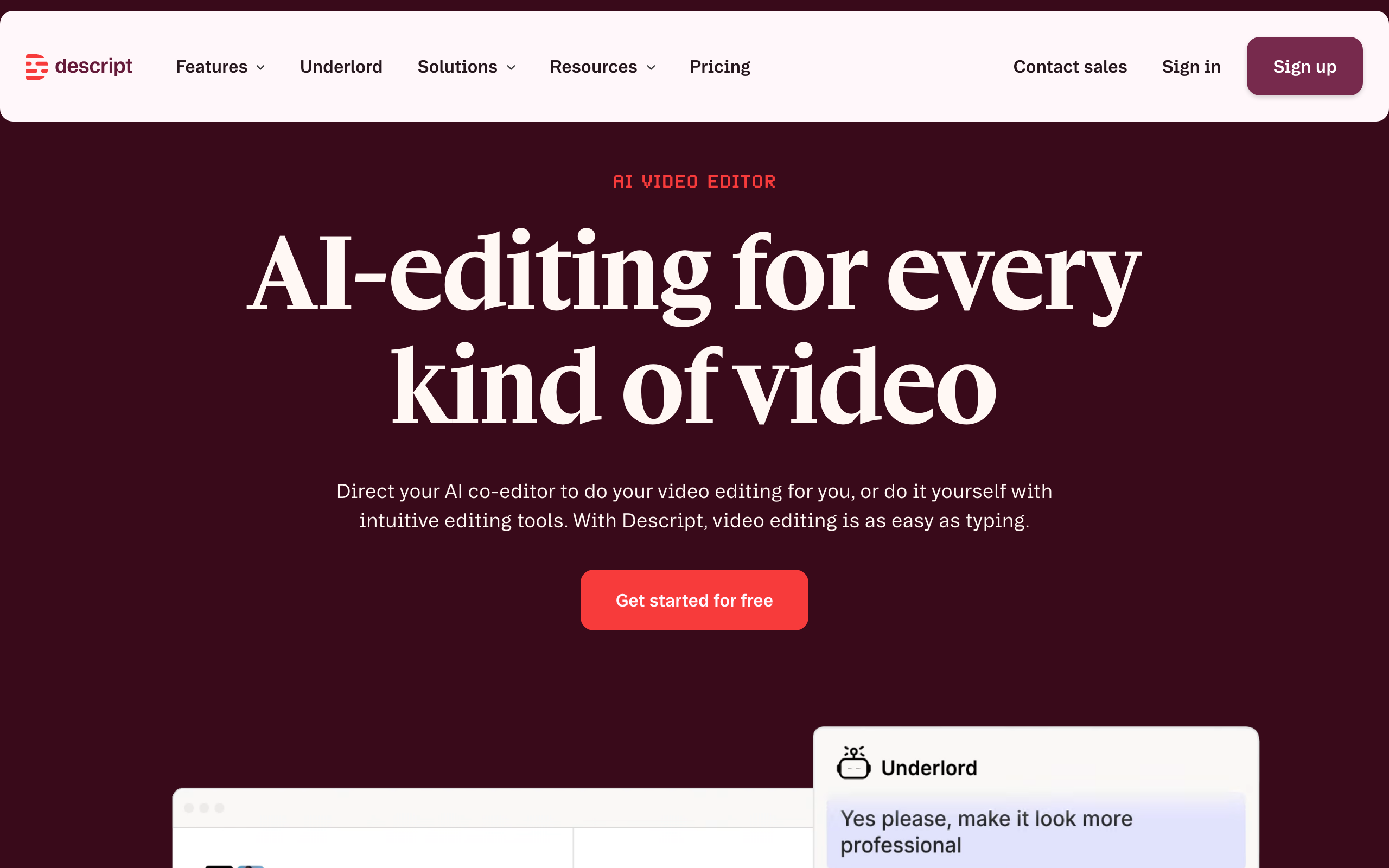
Descript starts from the correct premise: if the words are the point, edit the words. Drop in your footage and it transcribes everything in about a minute. Then you edit the video the way you'd edit a document. Delete a rambling paragraph in the transcript and those 40 seconds of video are gone. Highlight the um-filled intro, one click, every filler word and dead pause across the whole recording is removed at once.
I cut a weekly show on it, and the honest number is this: episodes that took me 3 hours in a timeline take about 50 minutes now, and most of that is deciding what to cut, not doing the cutting. Flub a line mid-take? Retype it and Descript's AI voice patches the audio so you don't re-record. Then the same project exports the vertical clips for social, so the long episode and its short clips come out of one file instead of 2 apps. Free to start, though the free tier watermarks your exports and caps them at 720p. The $16-a-month Hobbyist tier on annual billing ($24 month to month) is plenty for a weekly show (current pricing).
| Tool | Price | One-line call | Who it's for |
|---|---|---|---|
| Descript | Free (watermarked); $16/mo annual, $24 monthly | The transcript is the timeline. Long form and clips from one project. | Podcasters, talking-head creators, course makers |
| CapCut | Free, $10/mo pro | Fastest path from phone footage to a posted vertical clip. | Pure short-form creators who shoot on mobile |
| Premiere Pro | $23/mo, forever | A professional timeline. Overkill for talking-head content. | Actual editors doing client or cinematic work |
| DaVinci Resolve | Free | Hollywood-grade and genuinely free, with a learning cliff to match. | Patient people who want pro tools without pro rent |
When the free tier stops working, and what it really costs
"Free to start" is doing a lot of work in most write-ups of this tool, mine included until now, so here are the actual limits.
The free plan gives you 60 minutes of media processing a month, 100 one-time AI credits, and exports at 720p with a watermark on them (current pricing). Record a 40-minute conversation and you have used two thirds of the month in one sitting. So treat free as a trial with no clock on it rather than a tier you can live on.
Paid runs $16 per month on Hobbyist billed annually and $24 month to month. Creator is $24 annual, $35 monthly. Business is $50 annual, $65 monthly. For a weekly talking-head show, Hobbyist annual is $192 a year, which is the number to hold next to Premiere Pro at about $23 a month, or $276 a year, for a tool that is worse at this specific job.
One thing worth knowing before you commit annually: the gap between the annual and monthly price is 33%, which is steeper than most tools on this site. If you are not certain the show survives 12 months, pay monthly for a quarter first. Paying $24 for 3 months to avoid locking $192 is the cheaper mistake.

What Descript gives up that a timeline doesn't
The transcript-as-timeline trick is the reason to use it and also the shape of everything it's bad at. I would rather you hear this from me than discover it 3 hours into an edit.
No speech, no advantage. The whole model rests on there being words to edit. A silent b-roll montage or a music-led opener drops you back into an ordinary timeline, and Descript's timeline is weaker than a real editor's. If a third of your video has nobody talking, you are using the wrong tool for that third.
Word-level, not frame-level. Cutting on a word is effortless. Cutting on an action, a gesture landing or a beat in the music, is fiddly in a way it simply is not in Premiere or Resolve.
The AI voice patch is a one-word tool. Fixing a misspoken number is genuinely useful. Patching a whole sentence sounds like a whole sentence that was patched, and an audience that listens to you weekly will hear it. Use it for repairs, not for rewriting what you said.
It's cloud-shaped. Long recordings upload before you can work, and on a weak connection the edit feels sluggish in a way a local timeline never does.
And the honest one: your first two edits will be slower than the tool you already know, because you will keep reaching for the waveform. That's not the software failing, it's the week of adjustment any real switch costs. If you bail on day 2 you will conclude it doesn't work, and you will be wrong. Give it 3 episodes.
When CapCut is the right call instead
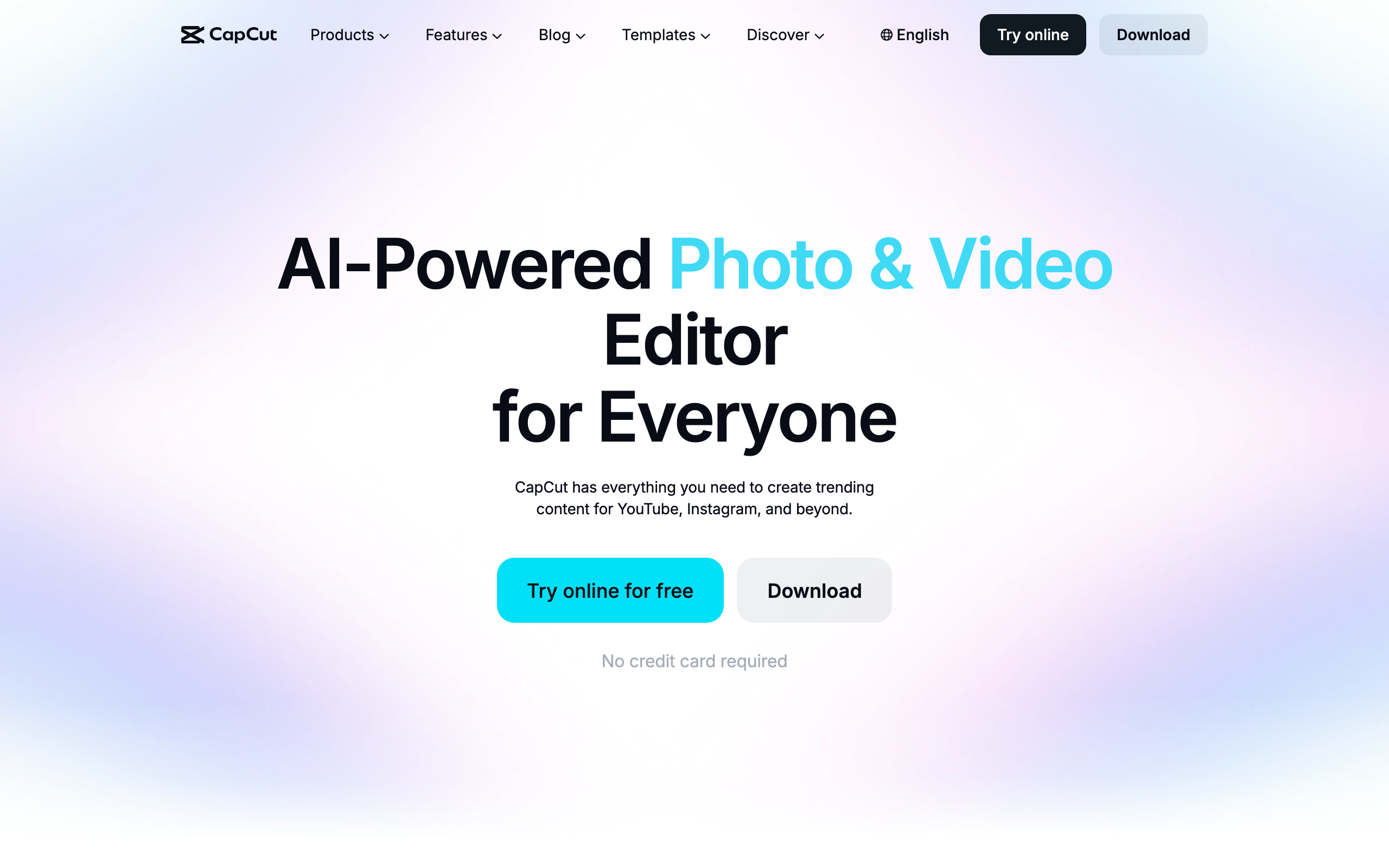
If you never record anything longer than a minute, Descript is solving a problem you don't have. CapCut is free, runs on your phone and desktop, and its auto-captions, templates, and beat-synced effects are tuned for exactly what TikTok, Reels, and Shorts reward. Shoot on the phone, cut on the phone, post. Nothing gets a vertical clip out the door faster.
The line between the 2 tools is the length of your source footage. Working from long recordings you cut down: Descript. Shooting short clips that get dressed up: CapCut. Plenty of creators legitimately need both, and since CapCut's free tier covers most of the job, that combination still costs less than one Premiere seat.
Premiere, Final Cut, and DaVinci: who actually needs a timeline
Real timeline editors earn their keep when the picture is the product: color grading, multi-cam, motion graphics, client deliverables. If that's your work, Premiere Pro ($23 a month) or Final Cut (one-time $300 on Mac) are professional tools at professional prices, and DaVinci Resolve is the quiet outrage of the category, Hollywood-grade and free, with a learning curve that assumes you'll invest weeks.
But be honest about which user you are. If your videos are you, talking, with maybe a screen share, a timeline editor gives you nothing Descript doesn't except more ways to spend your evening. The $23 a month isn't the real cost of Premiere. The real cost is the editing time it never gives you back.
The call
Descript for anyone who records themselves talking and wants the editing to stop eating the schedule. Free to try, $16 a month when the show gets serious, and it collapses 2 apps, the long-form editor and the clip tool, into one project. It sits in the Video Editing slot of the stack I actually run for that reason.
CapCut if your world is purely vertical and shot on a phone; keep the free tier and move on. A timeline editor only if editing is genuinely your craft or your clients'. And if you're mid-way through a "learn Premiere properly this year" resolution for your podcast clips: you have permission to stop. That was never the skill your channel was missing.
The best video editor for a creator working from real recordings is Descript, free to start and $16 a month when you outgrow the free tier. You edit the transcript and the video follows: delete a sentence, the clip is gone, one button removes every um and dead pause at once. If your entire output is vertical clips shot on your phone, CapCut (free) is the faster tool and you can skip Descript entirely. Nobody making talking-head content needs a Premiere subscription. (Verified July 2026.)
Honest FAQ
What is the best video editor for creators in 2026?
Descript, for anyone working from real recordings: podcasts, talking-head videos, courses. It transcribes your footage and you edit by deleting text, with one-click filler-word removal. Free to start, $16/mo for the hobbyist tier. CapCut (free) is the better pick if your entire output is short vertical clips shot on a phone.
Is Descript actually free?
The free tier is real but tighter than most pages admit. It gives you 60 minutes of media processing a month and 100 one-time AI credits, exports are capped at 720p, and they carry a watermark (verified August 2026). That is enough to learn the workflow and decide, not enough to run a show. A weekly episode burns through 60 minutes in the first recording, so budget for the $16 a month Hobbyist plan on annual billing, or $24 month to month.
Descript or CapCut?
Length of your source footage decides it. Cutting long recordings down (podcast, YouTube episode, course lesson): Descript, because transcript editing is the whole advantage. Dressing up short vertical phone clips: CapCut, because its captions and templates are built for exactly that. Many creators run both; CapCut's free tier makes that cheap.
Do I need Premiere Pro for YouTube?
Not for talking-head content, and that's most of YouTube. Premiere earns its $23/mo when the picture is the product: color work, multi-cam, motion graphics, client edits. If your video is you talking to a camera, a transcript editor gets you the same result in a third of the time.
Can Descript replace my podcast editor?
If your editor's job is tightening, cleaning filler words, and cutting clips, largely yes, and that's exactly what its one-button features automate. If they're doing sound design, music, and mastering, that's a different job. Plenty of shows keep the human for the season trailer and let Descript handle the weekly episodes.