The Best Payment Processor (2026): Stripe, Including the Parts Nobody Uses.
The best payment processor is Stripe, and most people use a third of it. Payment links, hosted invoicing with no code, plus Wave as the free accounting layer.
- Stripe at 2.9% + 30¢ is the pick, no monthly fee. Checkout, subscriptions, invoicing, and payment links in one account.
- Payment Links sell a product with zero website: make a link, put it in a bio or DM, get paid. People pay $29/mo elsewhere for this.
- Stripe Invoicing is the hidden feature: hosted invoices your clients pay by card or bank, no code, from 0.4% per paid invoice.
- Wave is the accounting department: free invoicing plus real double-entry bookkeeping, $0/mo, pay only card fees when clients pay by card.
- Solo service pro with a few clients a month? Wave alone covers you. Add Stripe when you sell online or need subscriptions.
Why the best payment processor is still Stripe
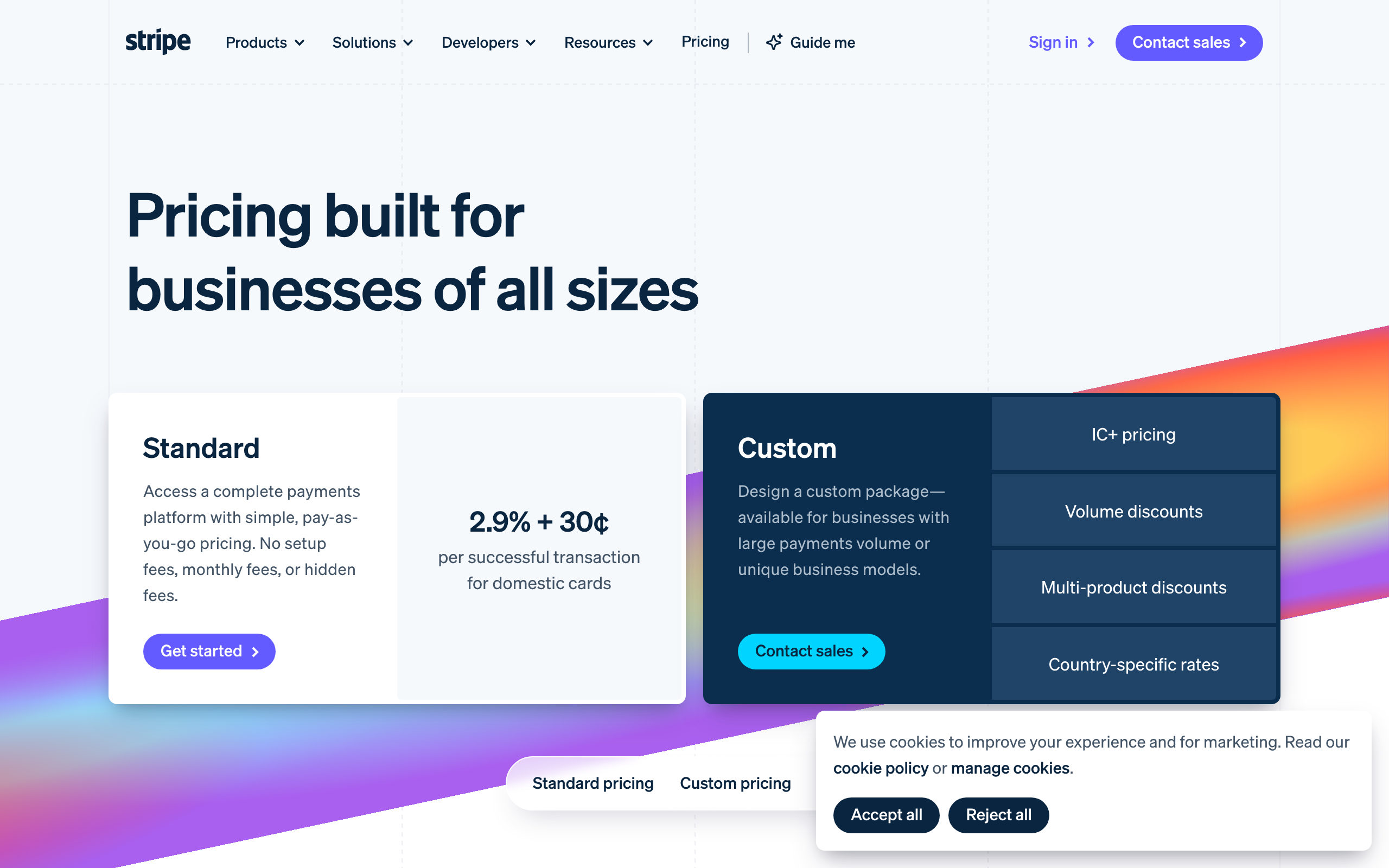
Stripe won the developer market a decade ago with a clean API, and that reputation now undersells it: you no longer need a developer to use it. One account with no monthly fee, cards and wallets and bank debits at 2.9% + 30¢, subscriptions without code, and payouts on a schedule you set (current pricing).
The reliability argument matters more than the fee. Your payment processor is the one tool in the stack that must never be weird: a checkout that hiccups on launch day costs more than a year of processing fees. Stripe is the boring-but-works choice at planetary scale, which is exactly the quality you want in the thing that touches revenue.
But here's the actual thesis of this page: most people set up checkout, stop reading, and then subscribe to 2 other tools that do things their Stripe account already does. The next 2 sections are those tools.
Payment Links: selling with zero website
Buried in the dashboard, no code anywhere: create a product, click Payment Links, and Stripe hands you a URL with a full hosted checkout on it. Cards, Apple Pay, Google Pay, tax handling if you want it. Put it in an Instagram bio, a DM, an email, a QR code on a flyer. That's a functioning store.
People pay link-in-bio storefront tools $29 a month for a worse version of this. If you're validating a product, coaching offer, or digital download, the entire launch stack is one payment link and the landing page you ship in an afternoon. I've watched an offer go from idea to first sale inside an hour this way, and the software bill for it was zero dollars a month plus processing.
Same story for recurring: a payment link can carry a subscription price, which means a membership or retainer billing setup with literally no build.
| Option | Price | One-line call | Who it's for |
|---|---|---|---|
| Stripe | 2.9% + 30¢; no monthly | The pick. Checkout, subscriptions, links, and invoicing in one. | Anyone selling online |
| Wave | Free; card fees only | Free invoicing plus real accounting. The books, handled. | Solo service pros, the accounting layer |
| PayPal | ~3.5% effective | A checkout button people trust, and fees plus freezes you won't. | Only where buyers insist on it |
| Stripe + Wave together | $0/mo + processing | Money in through Stripe, books in Wave. The full loop. | Lean businesses that want it handled |
Stripe Invoicing: the feature hiding in plain sight
The other one nobody uses: Stripe is a full invoicing tool. From the dashboard, no code, you create an invoice, and your client gets a hosted page where they pay by card or bank transfer. Automatic payment reminders. Partial payments if you allow them. The money lands in the same Stripe balance as everything else.
Pricing is the part that surprises people: it starts at 0.4% per paid invoice (0.5% on the advanced tier) on top of processing, with no subscription. Compare that against invoicing software billed monthly whether you invoice or not. For a freelancer sending $8,000 a month of invoices, 0.4% is $32, paid only when you actually get paid, and card-averse clients can pay by bank debit at Stripe's lower ACH fee (0.8% capped at $5), which quietly beats eating 2.9% on large invoices.
So before subscribing to any invoicing app: you may already own one. Which brings up the exception, because there's one free tool I'd still add.
Wave: the accounting department
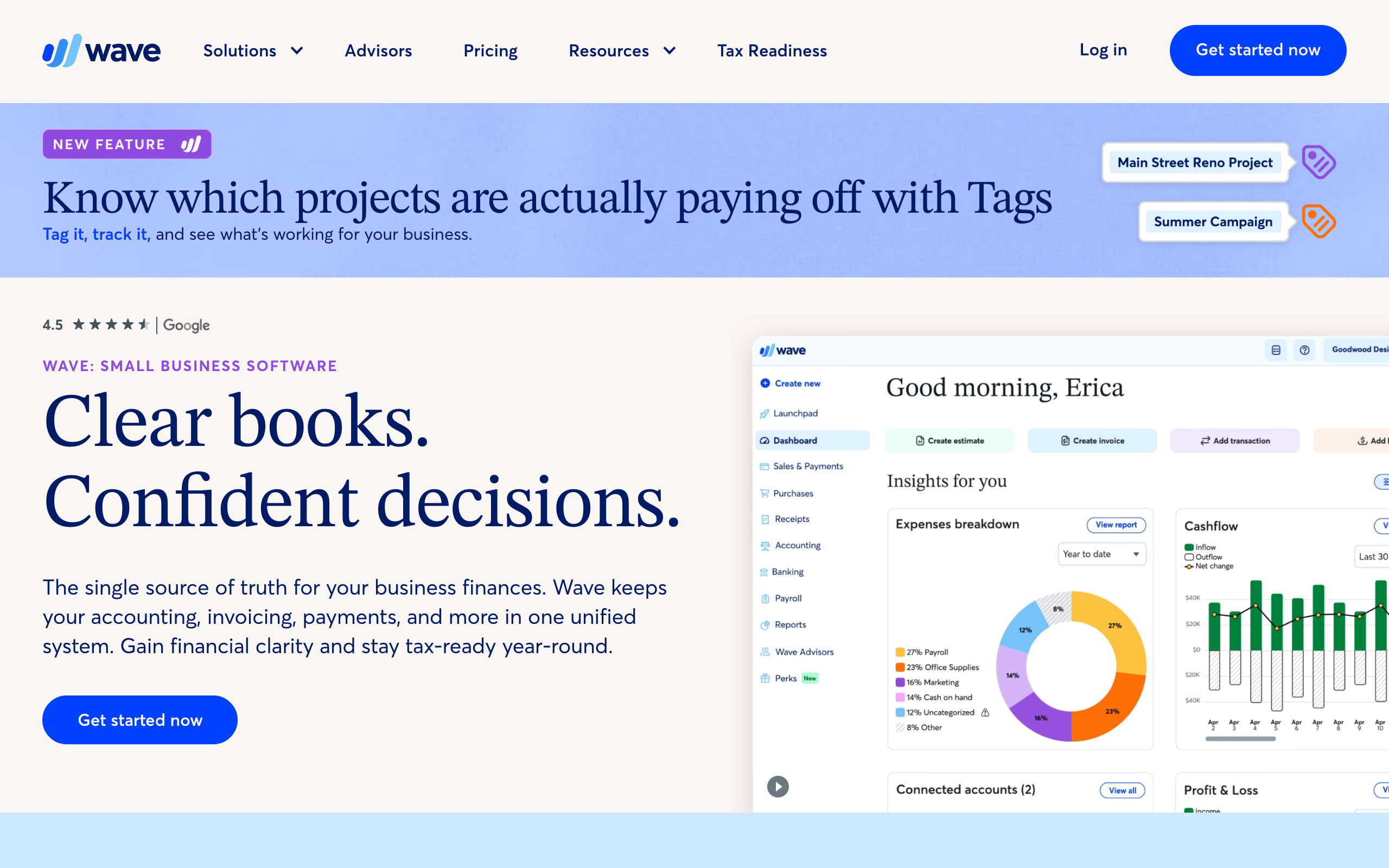
Now the tool I actually get excited about, which is strange to say about accounting software. Wave is free invoicing plus genuine double-entry bookkeeping: income and expenses categorized, bank transactions imported, and at year end you hand your accountant real reports instead of a shoebox of Stripe exports. Free means free, $0 a month; Wave earns money on processing when your client pays an invoice by card, and its invoicing itself carries no percentage fee at all.
That's why Wave is my favorite in this whole category. Stripe moves money brilliantly and records it like a processor. Wave understands it like a bookkeeper. A $2,000 invoice paid by bank transfer straight to your account through Wave costs you nothing in software and lands categorized in your books, and come tax season that categorization is worth more than any checkout feature.
Honest scope note: Wave fits solo operators and small service businesses. Once you have inventory, payroll in multiple states, or an accountant demanding QuickBooks, you've outgrown it. Until then it does the accounting-department job for the price of nothing.
So which do you actually set up?
The call by business shape, and it lands quickly. Selling anything online (products, subscriptions, digital downloads): Stripe, and use the links and invoicing you're already paying the processing fee for. A service pro invoicing a handful of clients a month with no online checkout at all: Wave alone covers invoicing and the books, $0 a month, full stop.
Most lean businesses eventually want both, and they don't overlap: Stripe is money-in for the storefront side, Wave is the books for all of it. Together the software bill is still $0 a month plus processing. Complete the loop with Wise on the payout side if your money crosses borders, and the entire finance layer of a small business runs on processing fees and one $31 setup charge.
And PayPal? Keep the button around for the occasional buyer who insists (they exist, especially internationally), and never let balances live there. Its effective fees run past 3.5% and its dispute freezes are the horror-story genre of founder forums for a reason.
The call
The best payment processor is Stripe, and the honest advice is to use more of the account you already have: payment links instead of a storefront subscription, hosted invoicing from 0.4% instead of an invoicing app, ACH for the big invoices. Put Wave beside it as the free accounting department and the finance stack of a lean business is 2 tools and $0 a month in software. The fees only happen when money moves toward you, which is the only kind of software bill worth having.
The best payment processor in 2026 is Stripe, at the standard 2.9% + 30¢ per card charge, and most businesses use about a third of what that buys. The parts nobody talks about (payment links that sell without a website, hosted invoicing with no code) replace whole subscriptions people pay for separately. Pair it with Wave as the free accounting layer, my favorite quiet tool in this category, and money-in plus books is fully handled for $0 a month in software.
Honest FAQ
Can I use Stripe for invoicing without a website or code?
Yes. Stripe Invoicing works entirely from the dashboard: create the invoice, Stripe emails a hosted payment page, clients pay by card or bank. It costs from 0.4% per paid invoice on top of processing, with no monthly fee, and includes automatic reminders.
What are Stripe payment links and when should I use them?
A no-code hosted checkout on a URL: create a product, generate the link, share it anywhere (bio, DM, email, QR code). Use them to sell or validate anything without building a store, including subscription prices. They replace $29/mo link-in-bio storefront tools for most solo sellers.
Is Wave really free, and what's the catch?
Invoicing and accounting are genuinely $0 a month. Wave makes money on optional payment processing when clients pay invoices by card, and on add-ons like payroll. If clients pay you by bank transfer directly, your software cost is zero. The real limit is scale: inventory or complex payroll means graduating to bigger accounting software.
Should I use Stripe or Wave?
Selling online with checkout or subscriptions: Stripe. Invoicing a few clients a month as a service pro: Wave alone is enough and free. Most lean businesses end up with both, Stripe as money-in, Wave as the books, and they complement rather than compete.
How do Stripe's fees compare to PayPal's?
Stripe charges 2.9% + 30¢ on cards with ACH bank debits at 0.8% capped at $5. PayPal's all-in cost runs past 3.5% once cross-border and conversion fees stack, and its balance freezes during disputes are a real operational risk. Keep PayPal only as a buyer-preference option.
Is Stripe worth it for a very small business?
Yes, because it costs nothing until money moves: no monthly fee, no setup fee, just per-transaction processing. A business doing $500 a month pays about $15 in fees and gets checkout, links, and invoicing. The tools that charge monthly subscriptions regardless of sales are the ones a very small business should avoid.